

36 Tools, One Tab: Building AppBox
I had a bookmarks folder called utils. Thirty-something links to single-purpose websites: a percentage calculator, a JSON prettifier, a JWT decoder, a cron expression parser. Every one of them worked. Every one of them also shipped several megabytes of ads, a cookie banner, three analytics scripts, and a newsletter modal that appeared exactly when I pasted my token into the box.
That last part is the one that bothered me. I was pasting things I should not have been pasting into pages I had never read the privacy policy of.
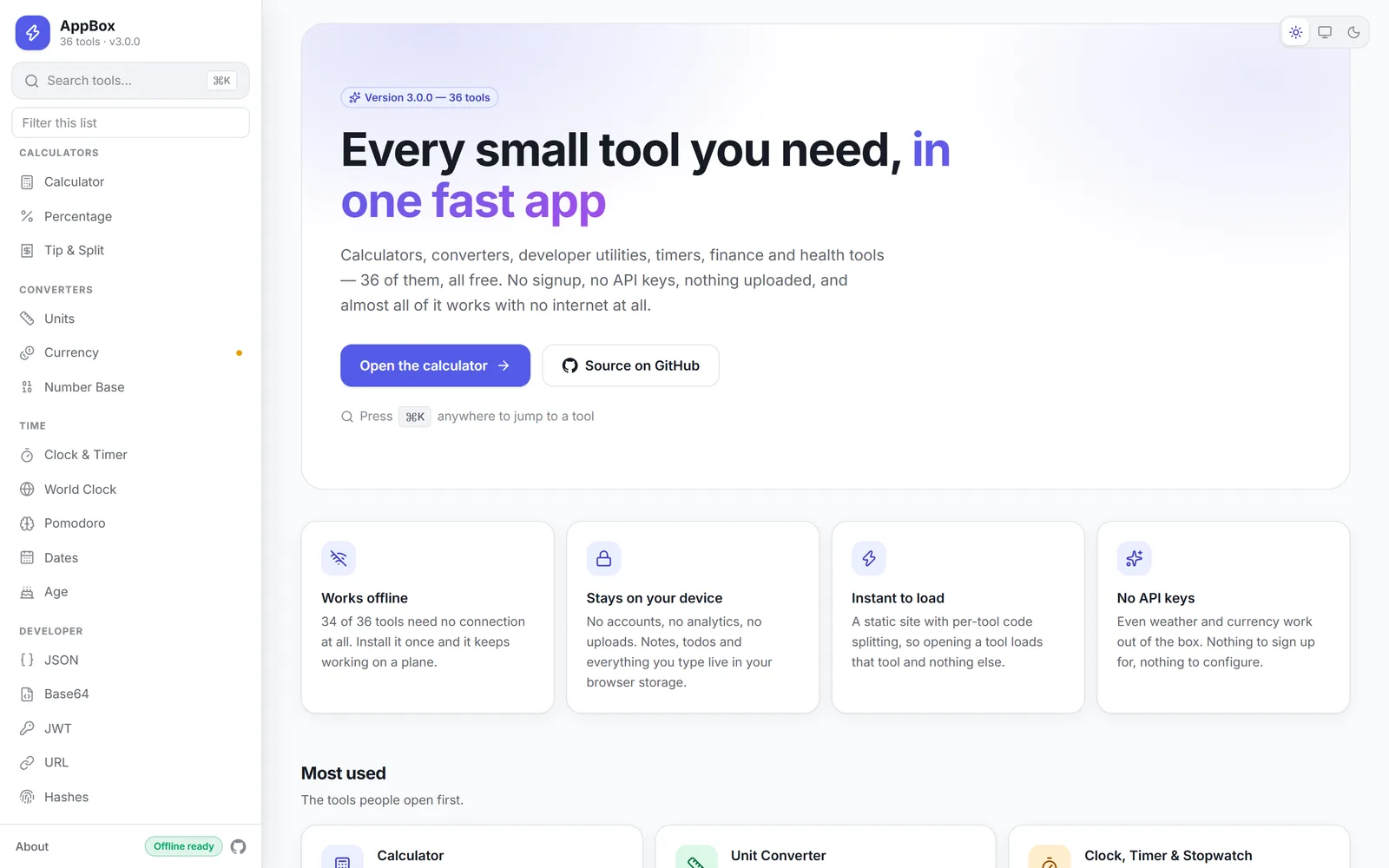
So I deleted the folder and built AppBox 36 utilities in one app, no ads, no analytics, no account, and every calculation running on your own device.
The constraint that shaped everything
Here is the whole design brief: the app should work with the network cable unplugged.
That sounds like a feature. It is really a filter. Once "must work offline" is non-negotiable, a lot of decisions stop being decisions:
- No analytics, because there is nobody to send events to.
- No account system, because there is no server to hold accounts.
- No CDN fonts, no third-party embeds, no remote config.
- Your data lives in
localStorage, on your machine, and never leaves it.
34 of the 36 tools honour this absolutely, because there is genuinely nothing they need a
server for. Converting 40 °C to Fahrenheit is arithmetic. Hashing a string is arithmetic.
Parsing */15 9-17 * * 1-5 into "every 15 minutes, 9am–5pm, weekdays" is a
string-processing problem someone solved decades ago.
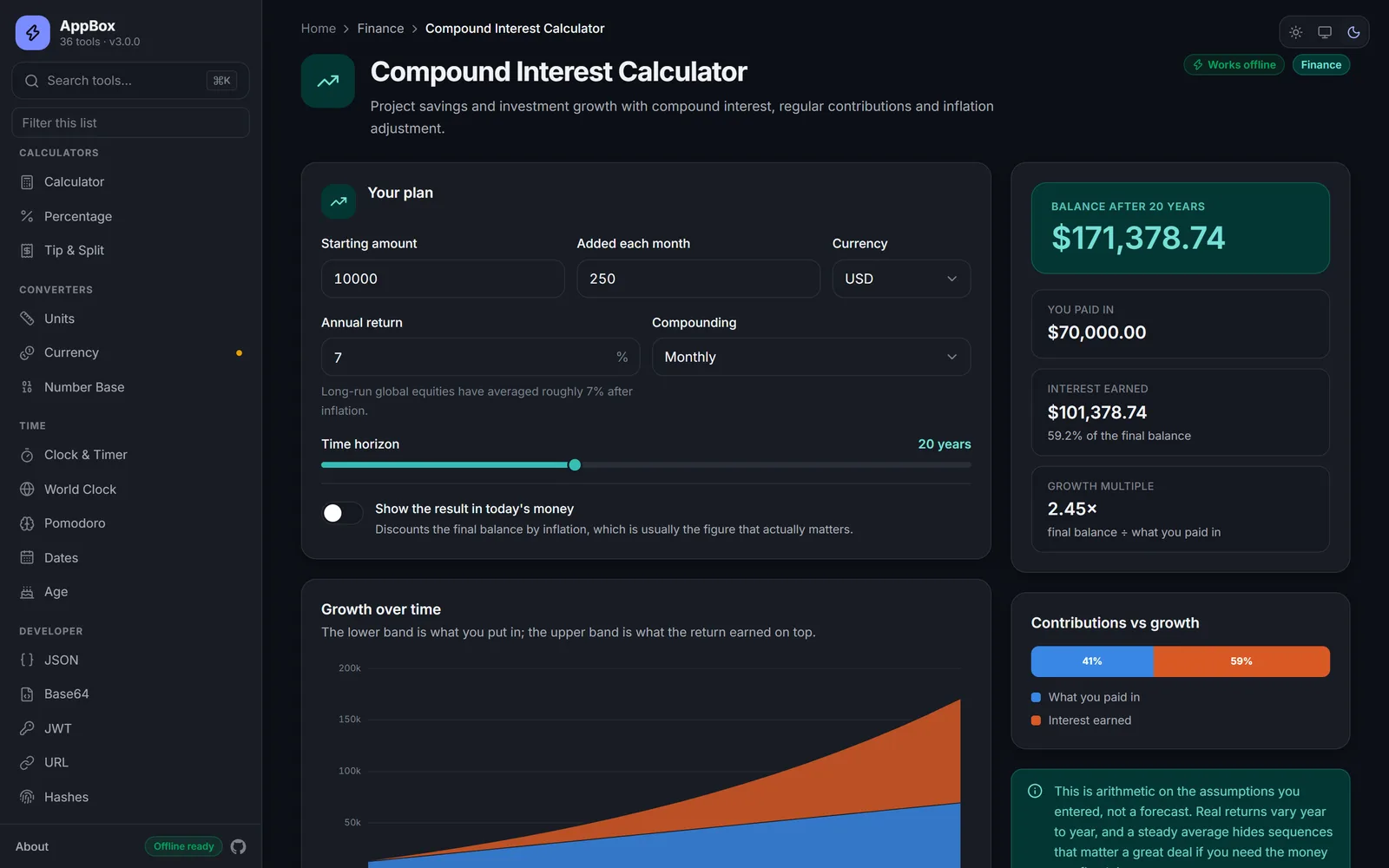
The two exceptions are weather and currency. Both use free, key-less APIs, both cache their last successful response, and both show you how old that cached result is instead of pretending it is live. On a train, you still get something useful.
One codebase, two very different targets
AppBox ships as a static website and as a native desktop app for Windows, macOS and Linux. Same UI code, same logic, two builds.
src/                  Next.js 16 App Router — the renderer
├─ app/               one route per tool, ~8 lines each
├─ components/        tools, UI primitives, hand-rolled SVG charts
├─ lib/               domain logic, framework-free and unit-testable
└─ types/             the IPC contract, shared by preload and renderer

electron/             compiled by Vite → dist-electron/
├─ main.ts            window, app:// protocol, IPC, hardening
├─ preload.ts         the only bridge into the renderer
└─ menu.ts            native menu, generated from the registry

out/                  next build → Vercel  AND  → Electron over app://
People sometimes ask why there are two bundlers in one repo. They do different jobs and
never overlap. Next.js builds the interface, and its output: 'export' mode emits
real HTML per route — which is what gives each tool its own <title>, meta description,
canonical URL and JSON-LD. The previous version of this project was a single
client-rendered page, and it simply could not have that. Vite compiles the Electron
main and preload processes from TypeScript. It never touches the UI.
A registry as the single source of truth
src/lib/tools.ts holds every tool's slug, name, description, category, keywords and
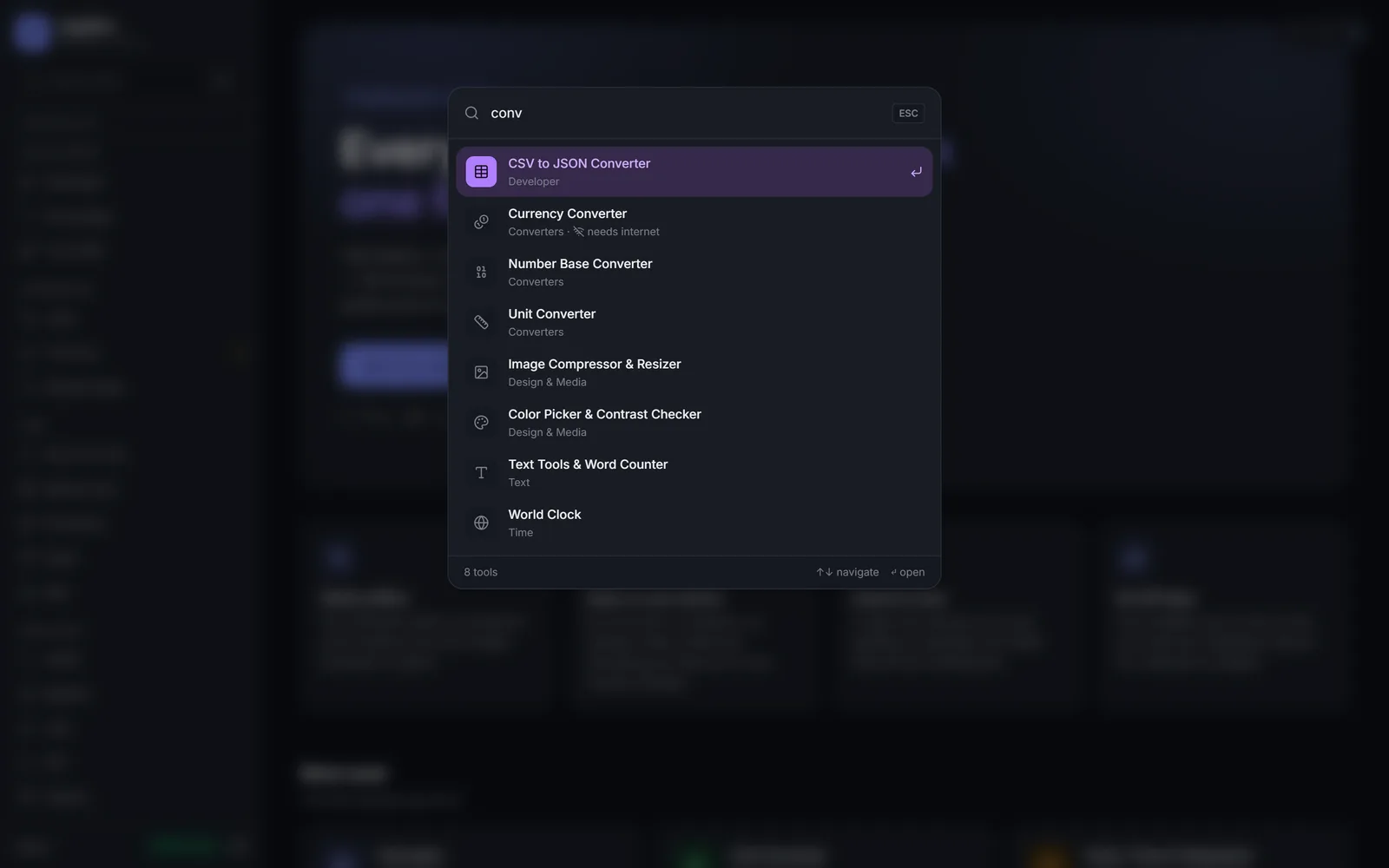
icon. Reading from that one array: the sidebar, the home grid, the command palette, the
native desktop menu, sitemap.xml, the PWA shortcuts, and every route's metadata.
Adding a tool is one registry entry plus one eight-line route file. Navigation, search, the desktop menu, the sitemap and the SEO tags all pick it up on their own. There is no checklist of six files you must remember to touch — which matters, because the version of me who adds tool number 37 will not remember the checklist.
Four decisions I would defend in code review
1. No charting library
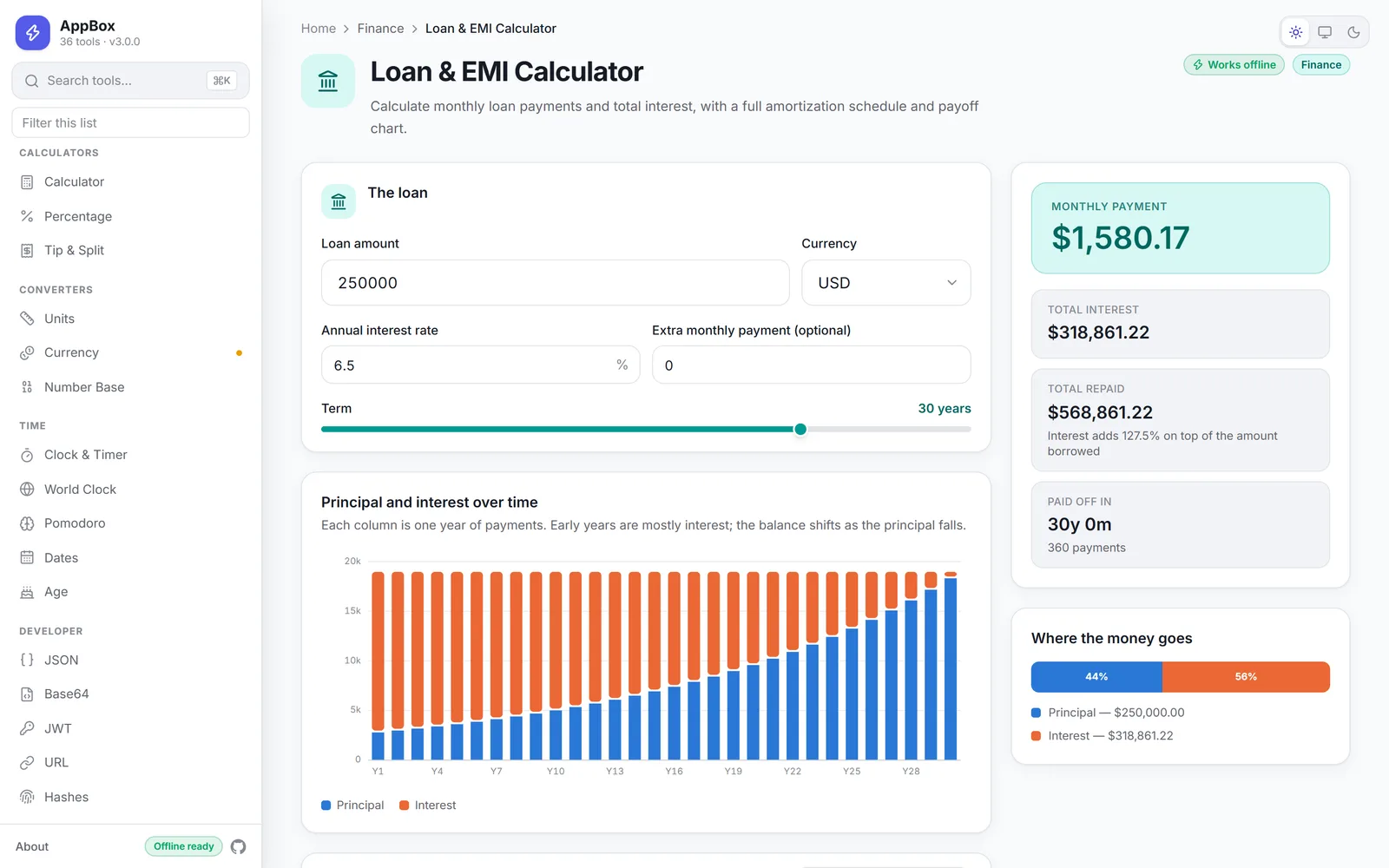
The finance and health tools needed charts. Recharts would have added roughly 100 KB to routes whose entire selling point is loading instantly.
AppBox needs four chart shapes. Four. So components/charts/ is about 500 lines of
inline SVG, and that is the end of it. The series colours are a fixed, colourblind-checked
three-slot palette, deliberately kept independent of the per-tool accent colour — so
"the green line" always means the same thing whether you are looking at a loan
amortisation schedule or a calorie breakdown.
2. No mathjs
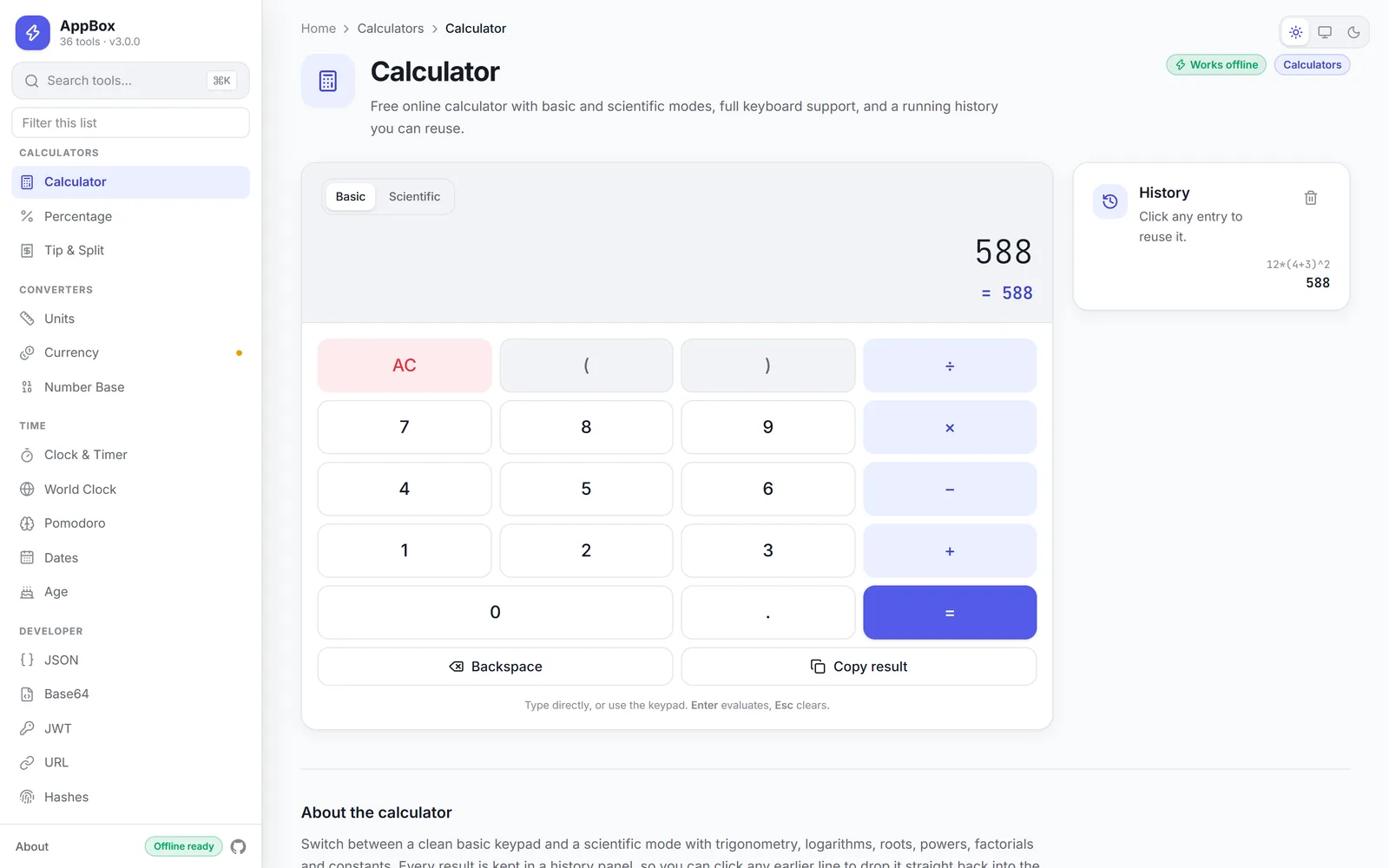
The scientific calculator needs to evaluate expressions. mathjs does that beautifully,
in about 500 KB.
lib/expression.ts is a tokeniser plus a shunting-yard evaluator — a few hundred lines —
handling degree/radian trig, postfix factorial and implicit multiplication. The size win
is nice. The real win is error messages: because I own the parser, a malformed expression
produces something specific enough to show the user, instead of a generic library throw.
3. MD5, written by hand
Web Crypto deliberately excludes MD5, and it is right to. But verifying a downloaded ISO against a published checksum is exactly the legacy case people still hit, and telling them "use a different algorithm" does not help when the checksum on the vendor's page is MD5.
So it is implemented from scratch and fuzz-checked against Node's crypto across 139
inputs. Not glamorous. Correct.
4. Rendered Markdown gets sanitised
marked passes raw HTML straight through by default. Both the Markdown preview tool and
the Notes tool run their output through DOMPurify before it reaches the DOM. In an app
with no server, XSS is still absolutely a real problem — the attacker just has to get you
to paste something.
The Tailwind v4 bug that cost me an evening
Every category has its own accent colour. A tool sets one data-accent attribute and
everything inside inherits that palette through CSS custom properties, so no tool
component ever names a colour directly.
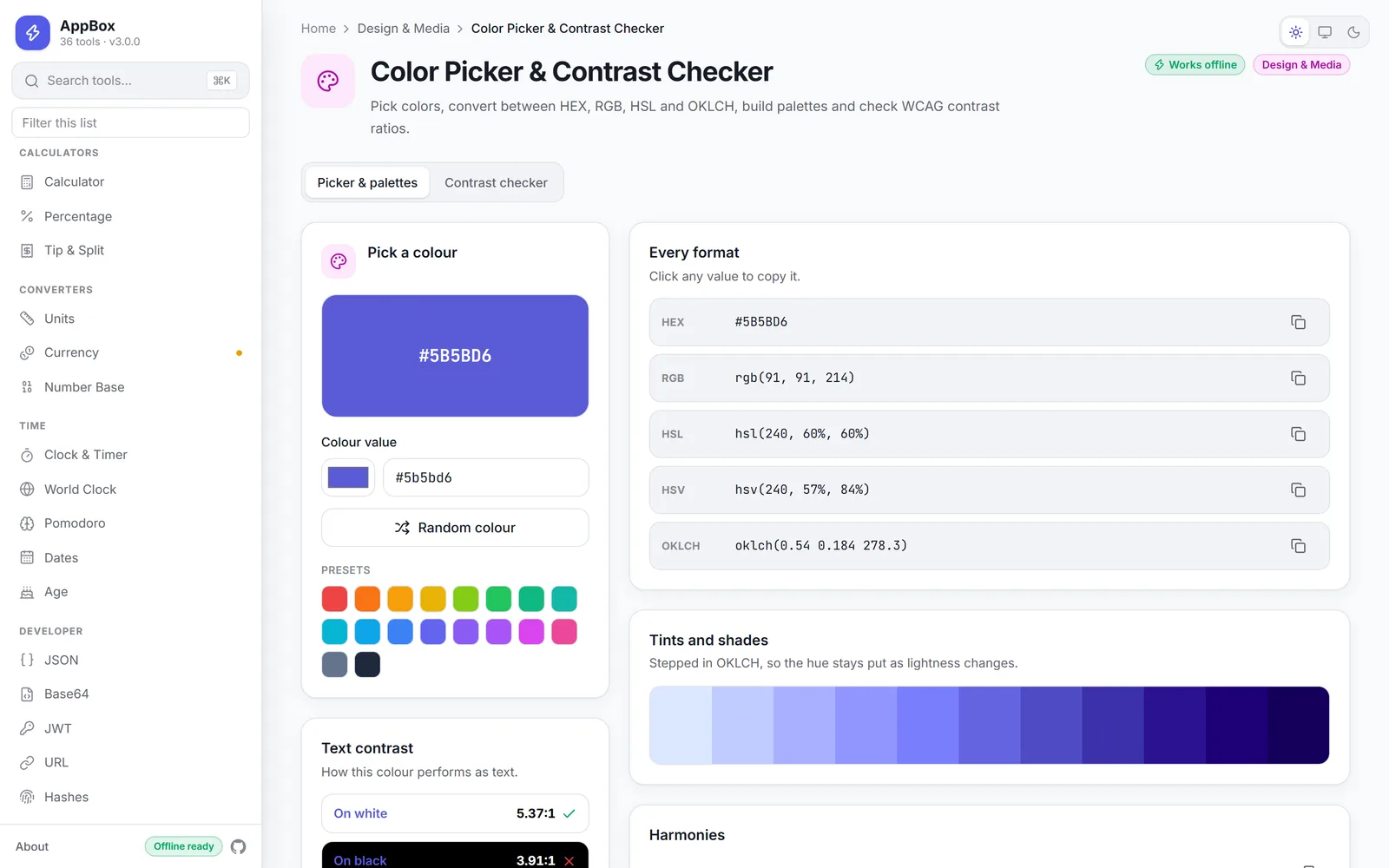
This needs @theme inline in Tailwind v4. With a plain @theme, the substitution is
frozen at :root — so every tool dutifully renders in exactly the same colour and you
spend an hour convinced your data attributes are not applying. They were. One keyword.
Hardening the desktop build
The Electron renderer runs with contextIsolation: true, nodeIntegration: false and
sandbox: true. It reaches the host only through the narrow, typed surface in
electron/preload.ts.
The packaged app is served from a registered app:// scheme rather than file://. That
gives it a stable origin, which means localStorage, history.pushState and fetch
behave exactly the way they do on the web — so the desktop build is not quietly a
different application with different bugs.
One deployment gotcha, in case you hit it
Vercel's Next.js preset understands output: 'export' on its own. vercel.json only adds
what the framework does not: cache headers and a CSP matching the desktop one.
Do not set outputDirectory to out. It reads as "look for the Next build in
out/", and the deploy fails with a missing routes-manifest.json — that file lives in
.next/, which is exactly where the preset was already looking.
Any static host works too:
npm run build
npx serve outWhat I would tell past me
Pick the constraint first. "Works offline" did more architectural work than any framework choice I made, because it answered a dozen questions before I got around to asking them.
And put the registry in early. Every project accumulates a mental list of files you must update in lockstep, and every one of those lists eventually gets something wrong. Turning that list into one array is not clever. It is just the thing that lets a side project survive being ignored for three months.
Try it
- Live: appbox.msyb.dev
- Source: github.com/shehari007/appbox-multi-toolkit
- Desktop builds: Windows (NSIS), macOS (DMG), Linux (AppImage + .deb)
MIT licensed. Issues and pull requests welcome — and if you add a tool, the sidebar, search, menu and sitemap will find it without you asking.
